
Step 1
Open the Official Paripesa iOS Page
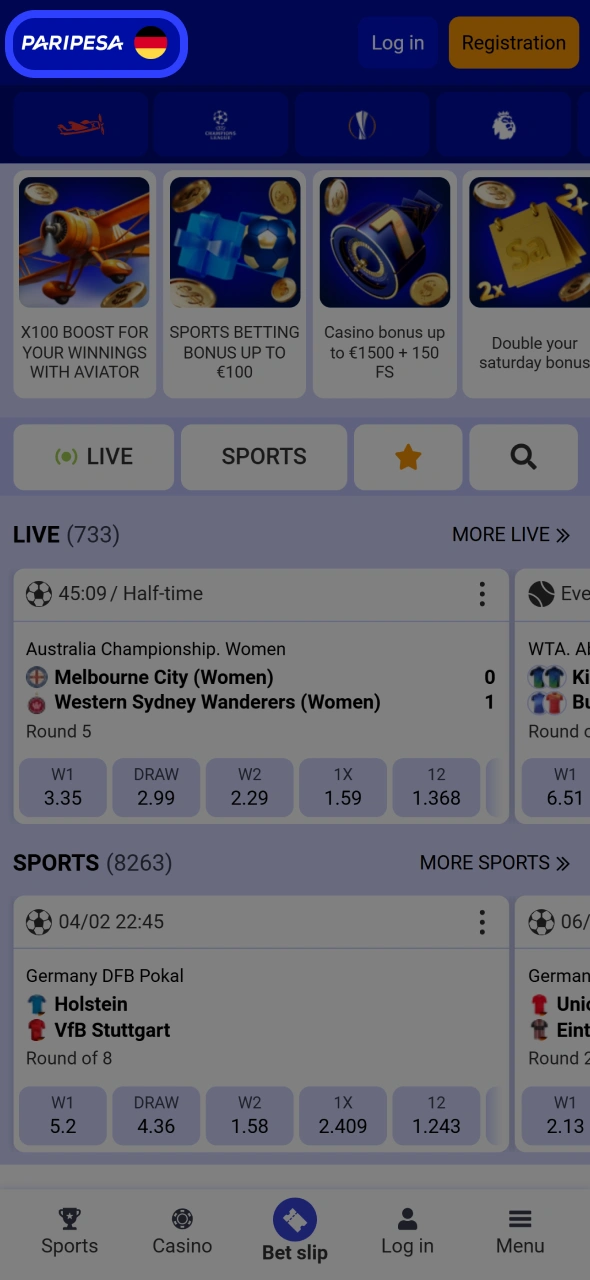
Open Safari on your iPhone or iPad and go to the official Paripesa site. Use the button below to reach the iOS download page.
Paripesa iOS app lets you bet on sports and play real-money casino games from anywhere. You get fast access to cricket, football, slots, and live casino on your iPhone or iPad. Installation is quick and light on storage.
New players can claim a 100% Welcome Bonus after signing up and depositing. Download the Paripesa iOS app, create an account, and start betting in a few minutes.

Paripesa app for iOS is built for players worldwide who want fast bets, quick deposits, and convenient payment options. You can use one account for both sports betting and casino games.
The app runs as a web-based iOS shortcut, so you always see the latest odds and game list without manual updates.
| Feature | Details |
|---|---|
| App type | Web-based iOS app (PWA-style shortcut) |
| Approx. size | A few MB for the shortcut icon and cache |
| Last update date | Updated regularly on server side |
| Welcome bonus | 100% Welcome Bonus for new players after first deposit |
| Casino bonuses | Reload offers, cashback, free spins on selected slots |
| Sports bonuses | Acca boosts, cashback, event-specific free bets |
| Supported languages | English, Hindi, Bengali, Telugu, Kannada and more |
| Main payment methods | UPI, Paytm, PhonePe, NetBanking, major cards, selected e-wallets, crypto options |
| Promo code availability | Promo code field available during registration and deposit |
You get a single, easy-to-use app for both betting and casino play on iOS.
You can install the Paripesa iOS shortcut in a few simple steps. The whole process usually takes less than a minute.
Step 1
Open Safari on your iPhone or iPad and go to the official Paripesa site. Use the button below to reach the iOS download page.
Step 2
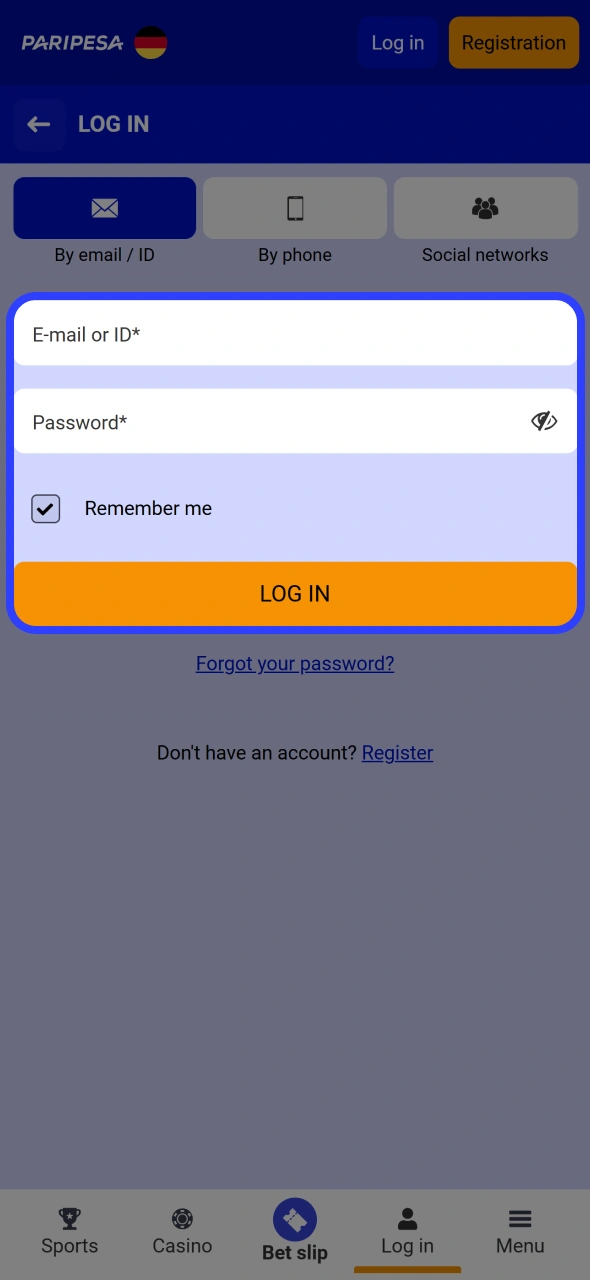
On the site, sign up as a new player or log in if you already have an account. This lets you claim the 100% Welcome Bonus after your first deposit.
Step 3
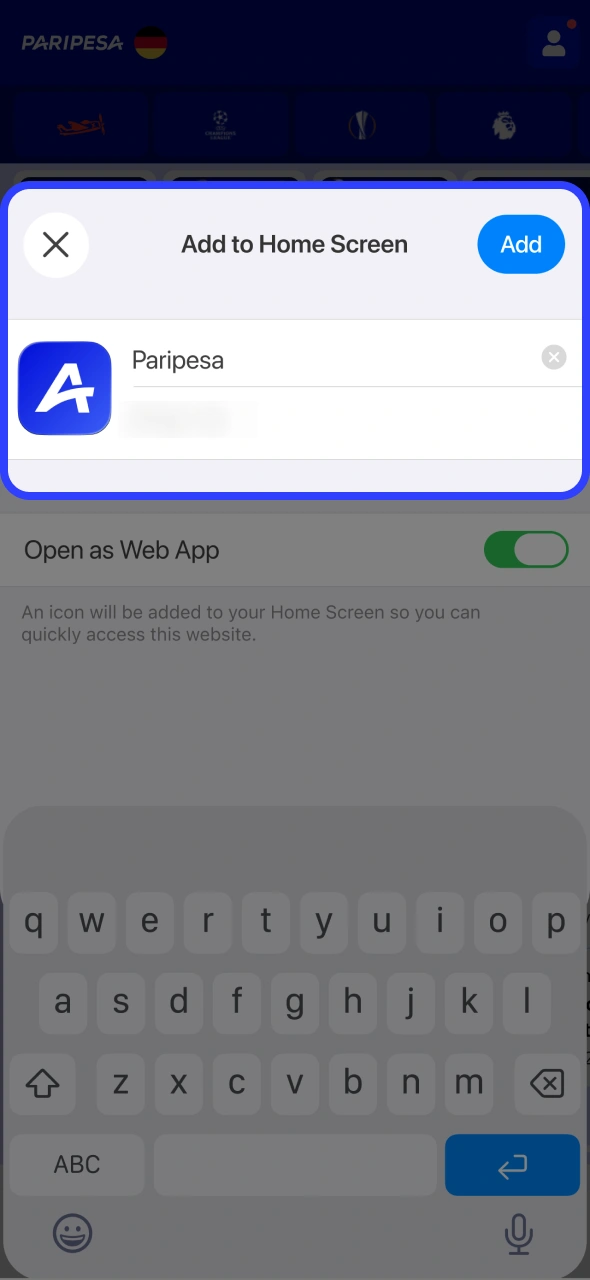
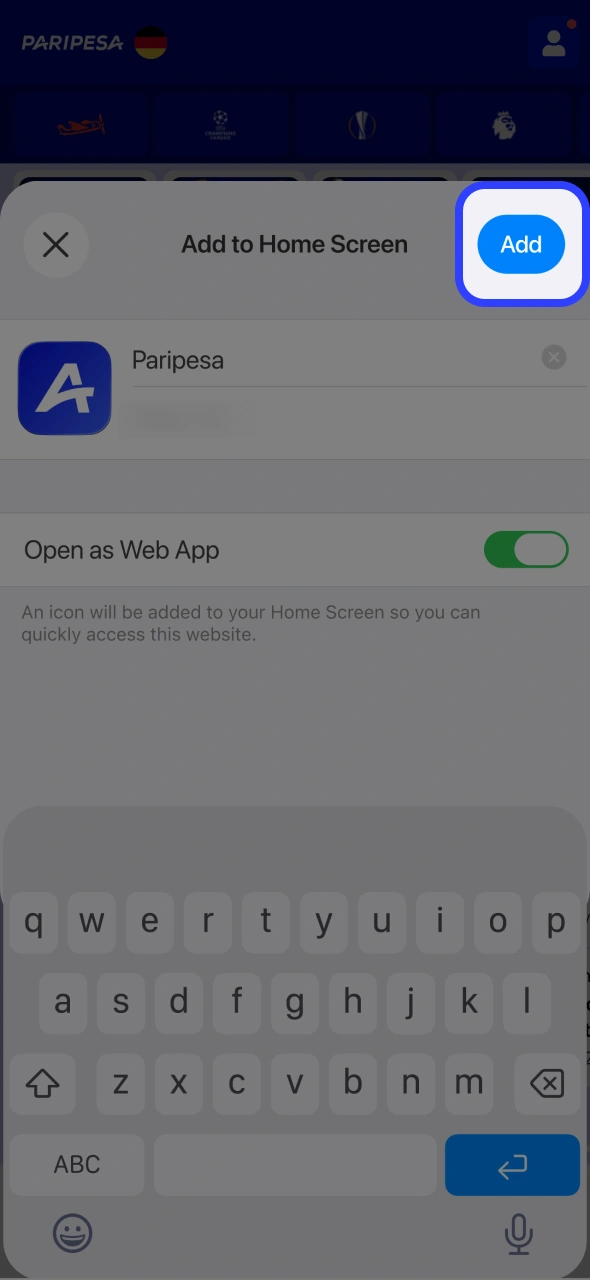
Tap the Share icon in Safari. Choose “Add to Home Screen” to create the Paripesa app icon on your iOS device.
Step 4
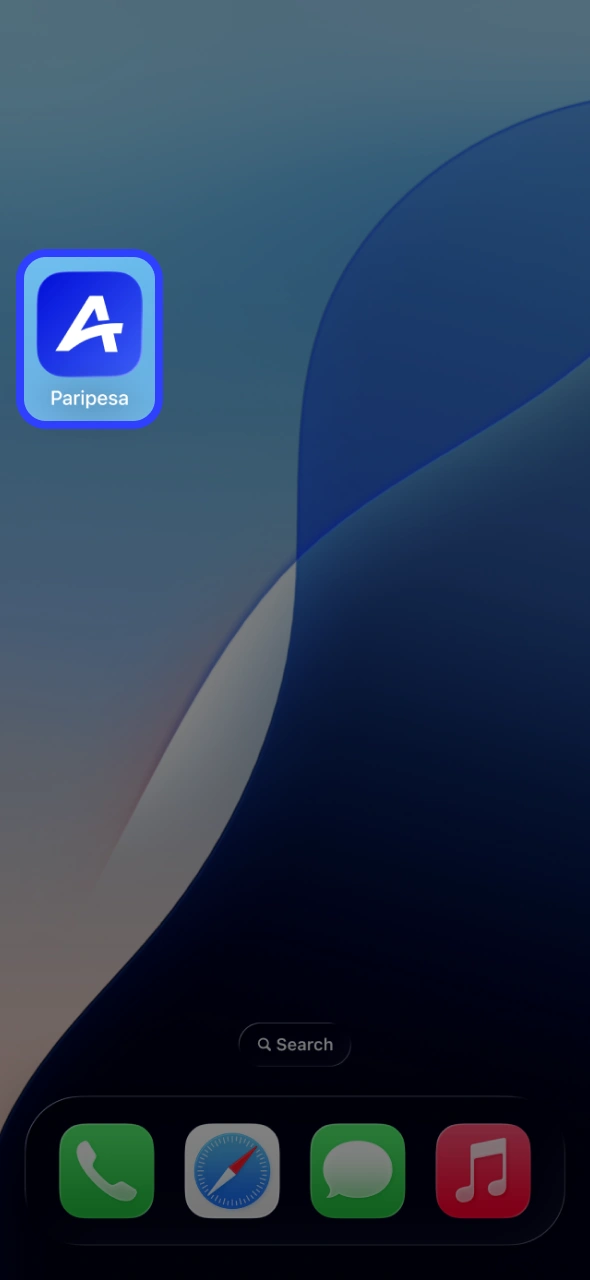
Tap the new Paripesa icon on your home screen. You now have full app-style access to sports betting, casino games, and payments.
You only need a modern iPhone or iPad and a stable internet connection to use the Paripesa app shortcut.
| Component | Minimum requirement |
|---|---|
| iOS version | iOS 11.0 or higher |
| Processor | Dual-core 1.3 GHz or faster (iPhone 6 or newer) |
| RAM | At least 1 GB |
If your device runs recent iOS versions, you can install and use the Paripesa iOS app comfortably.
Paripesa app works on most Apple devices that support modern Safari and iOS updates, including:
If your Apple device can run iOS 11 or later, you can add the Paripesa icon and use the app features.
Paripesa offers a PWA-style iOS version that works like an app but runs in your browser. You do not need to download anything from the App Store.
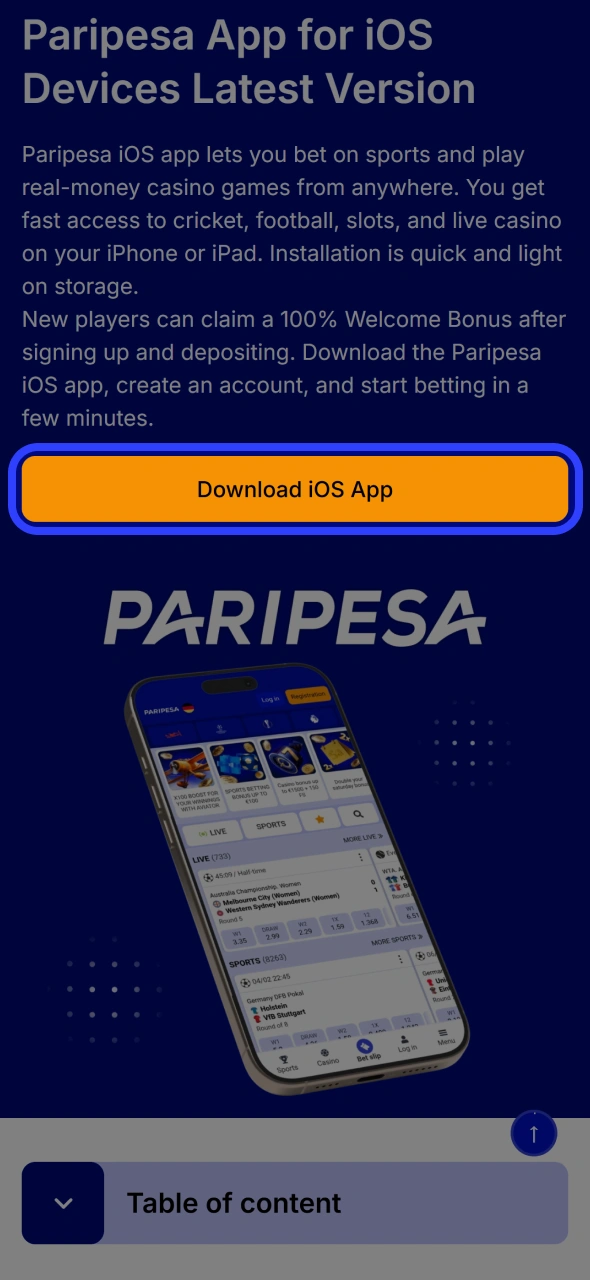
Step 1
Tap the button below to open the official Paripesa iOS page in Safari. Use the correct PWA link to access the app safely and quickly
Step 2
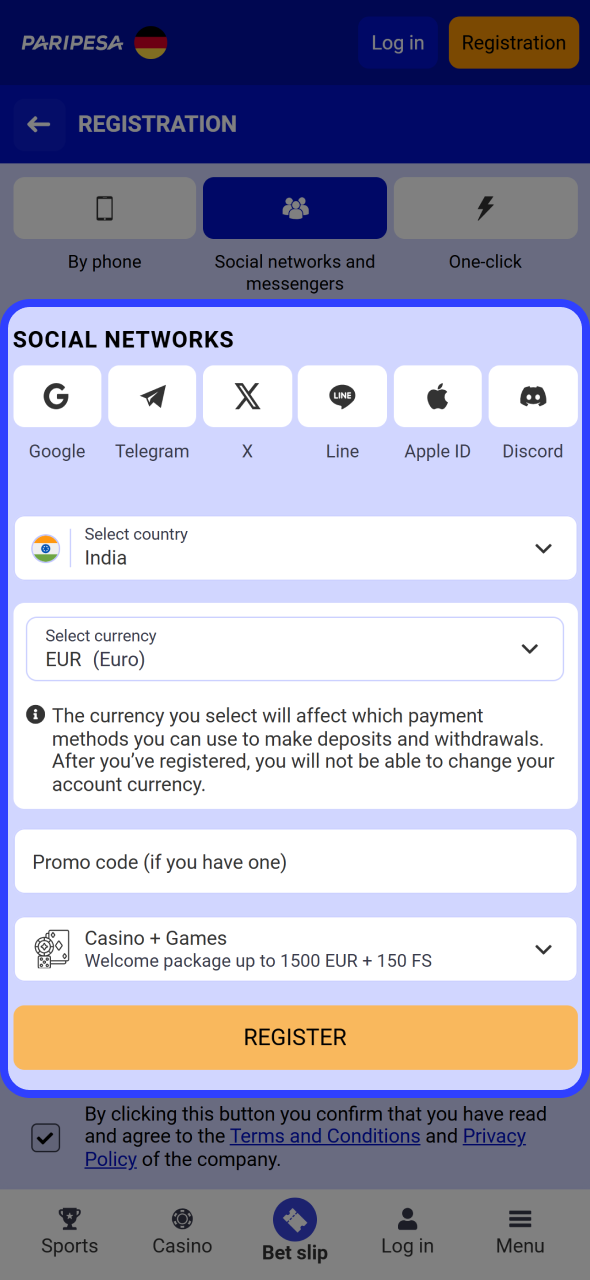
On the site, tap Sign Up. Complete your details, set your preferred currency, and confirm your account to become a real-money player on Paripesa.
Step 3
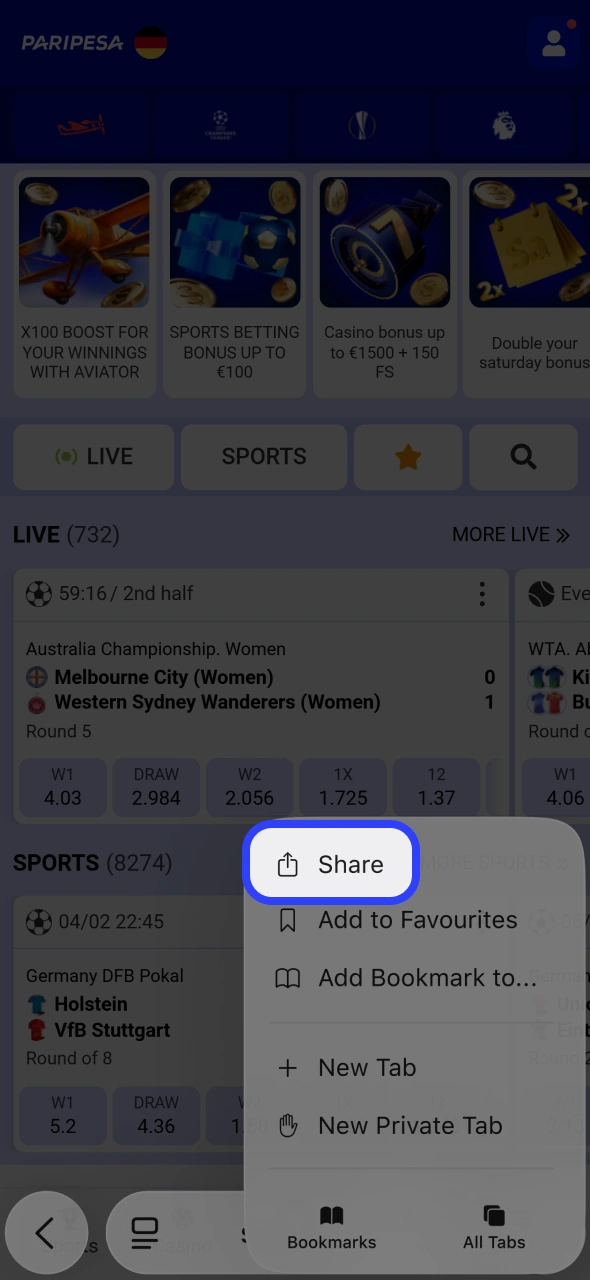
In Safari, tap the Share icon at the bottom of the screen. This opens the menu that lets you create your home screen shortcut.
Step 4
Select “Add to Home Screen” and confirm. A Paripesa icon appears on your iPhone or iPad, giving you fast PWA-style access.
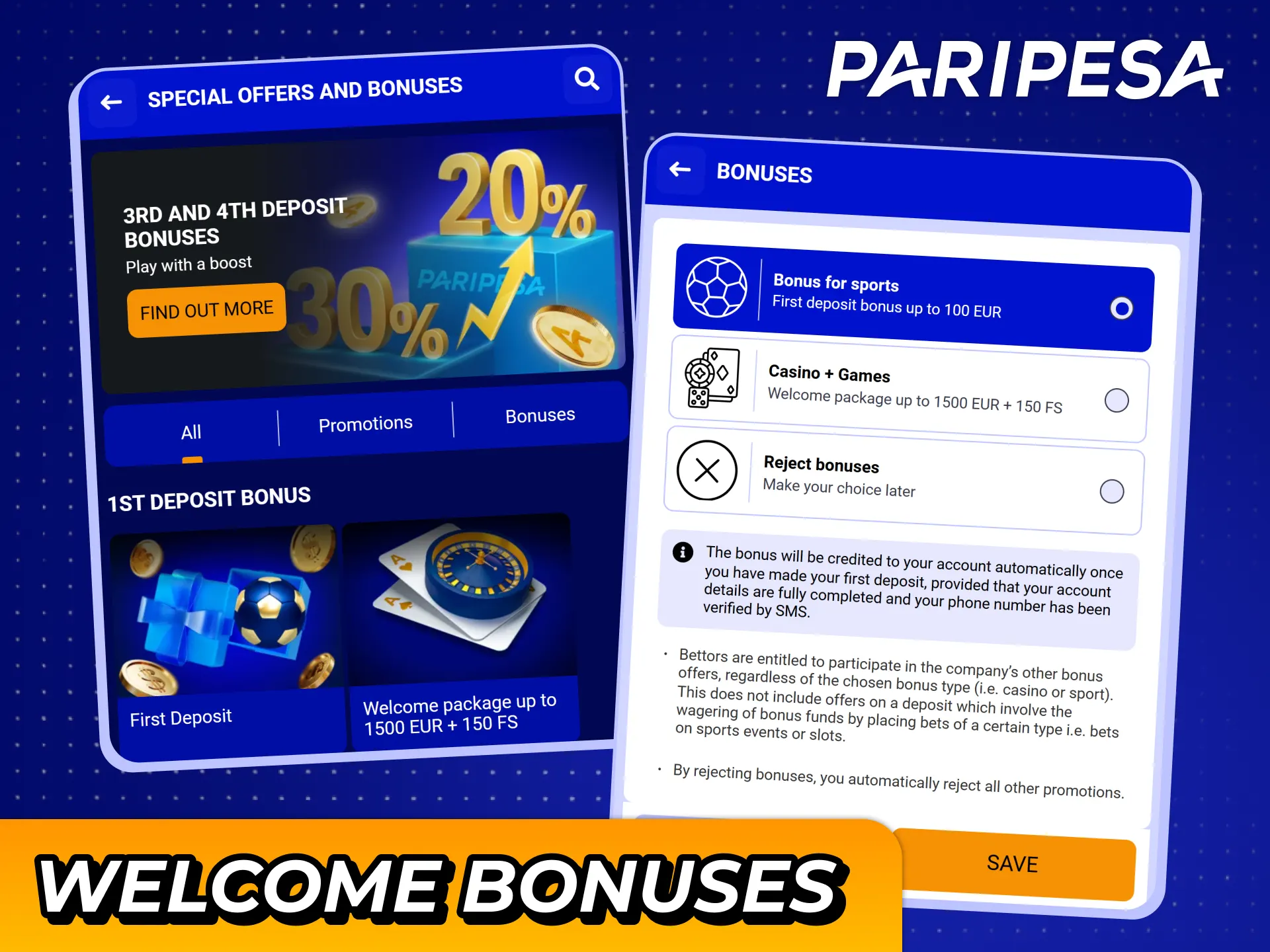
After installing the Paripesa app and creating an account, you can claim a 100% Paripesa Welcome Bonus on your first deposit. This gives you extra funds to test more games and betting markets.
Available bonuses may include:
You can check the Promotions section inside the app to see active offers and bonus rules.
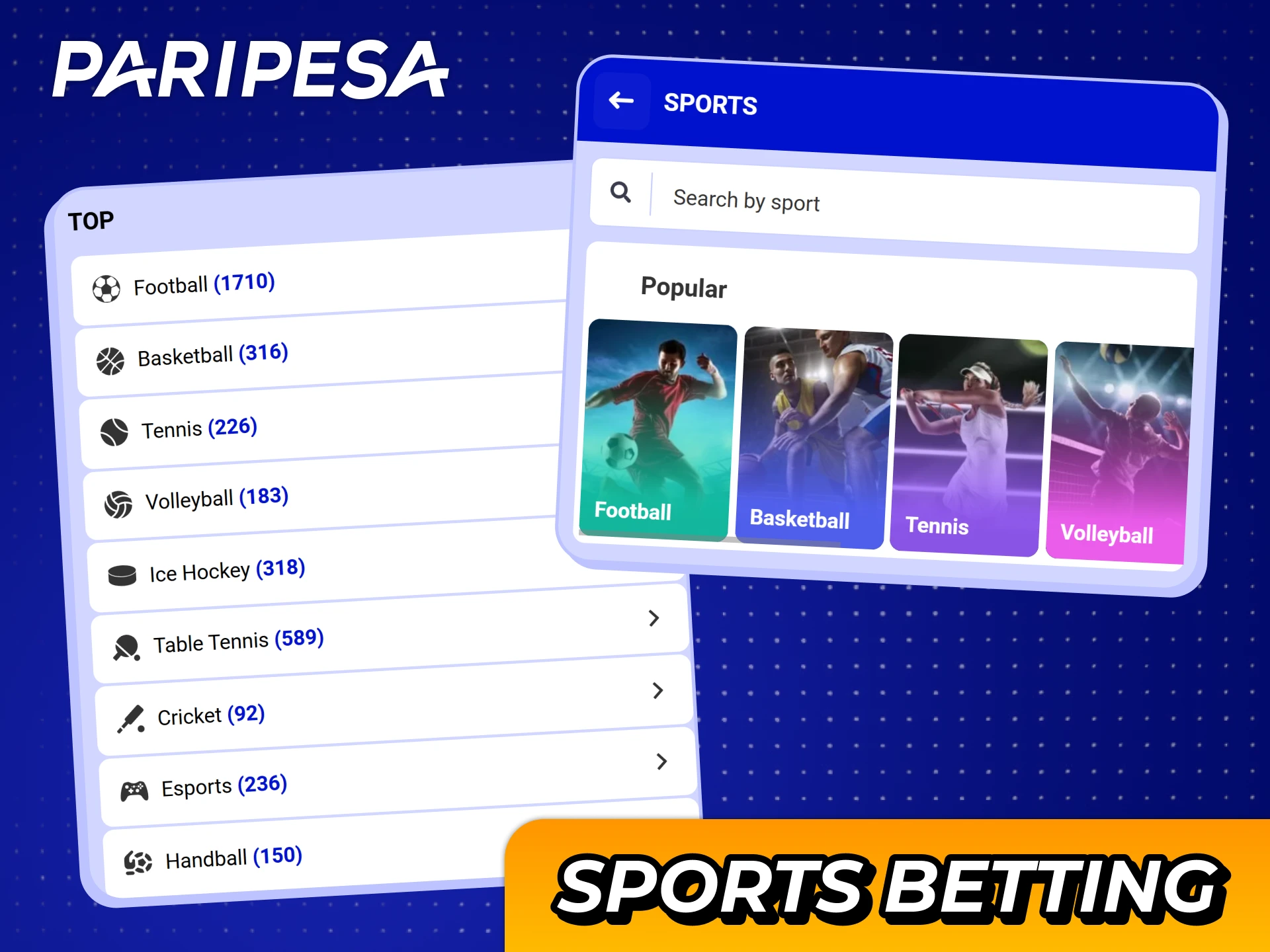
The Paripesa app lets you place both pre-match and live bets on a wide range of sports. Odds update in real time so you can react fast.
Popular sports available for betting include:
You can filter by sport, league, and time to find the right match in seconds.
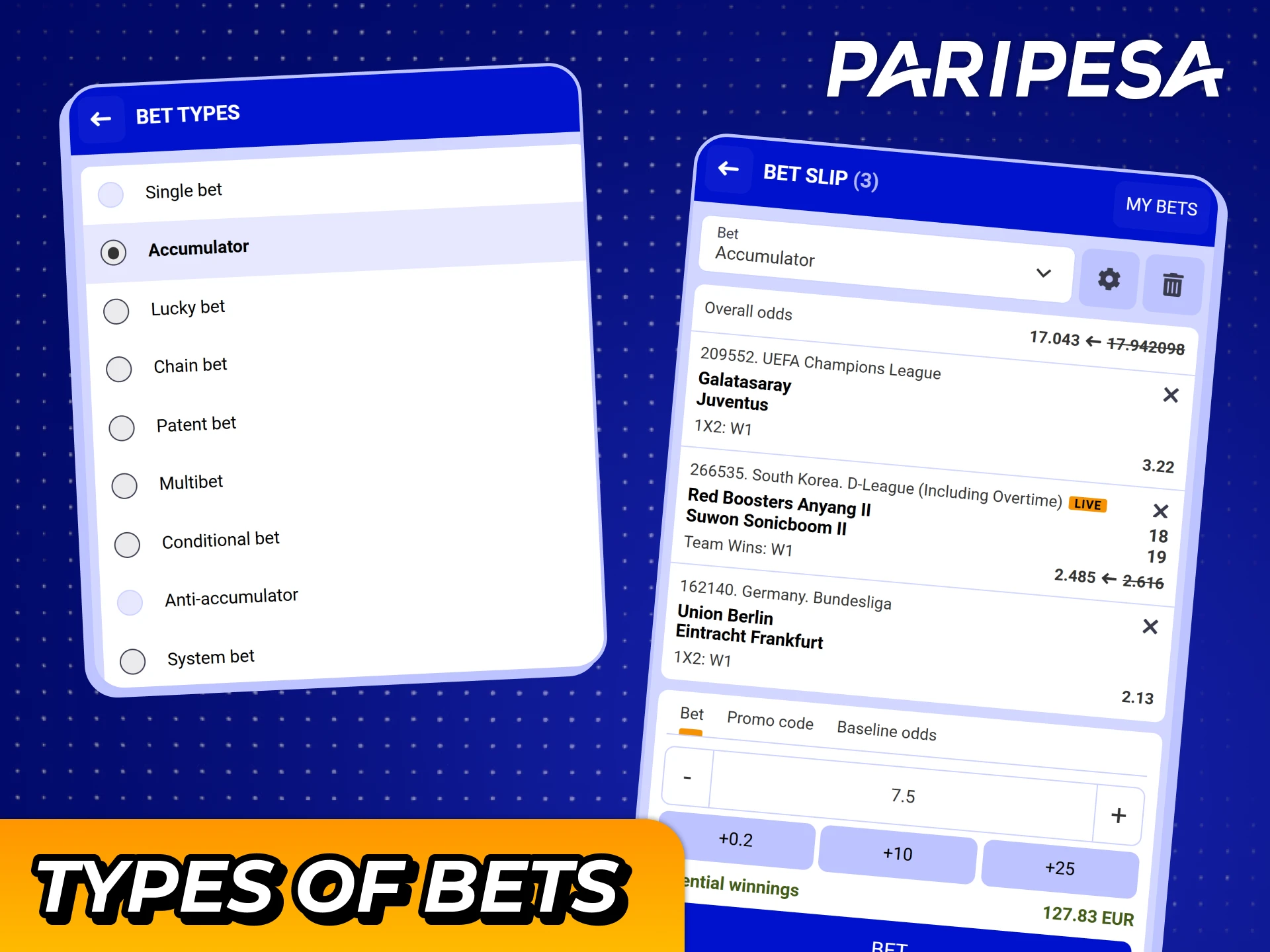
In the Paripesa app, you can use different bet types to match your style and risk level.
These options give you flexibility to keep things simple or aim for higher potential returns.
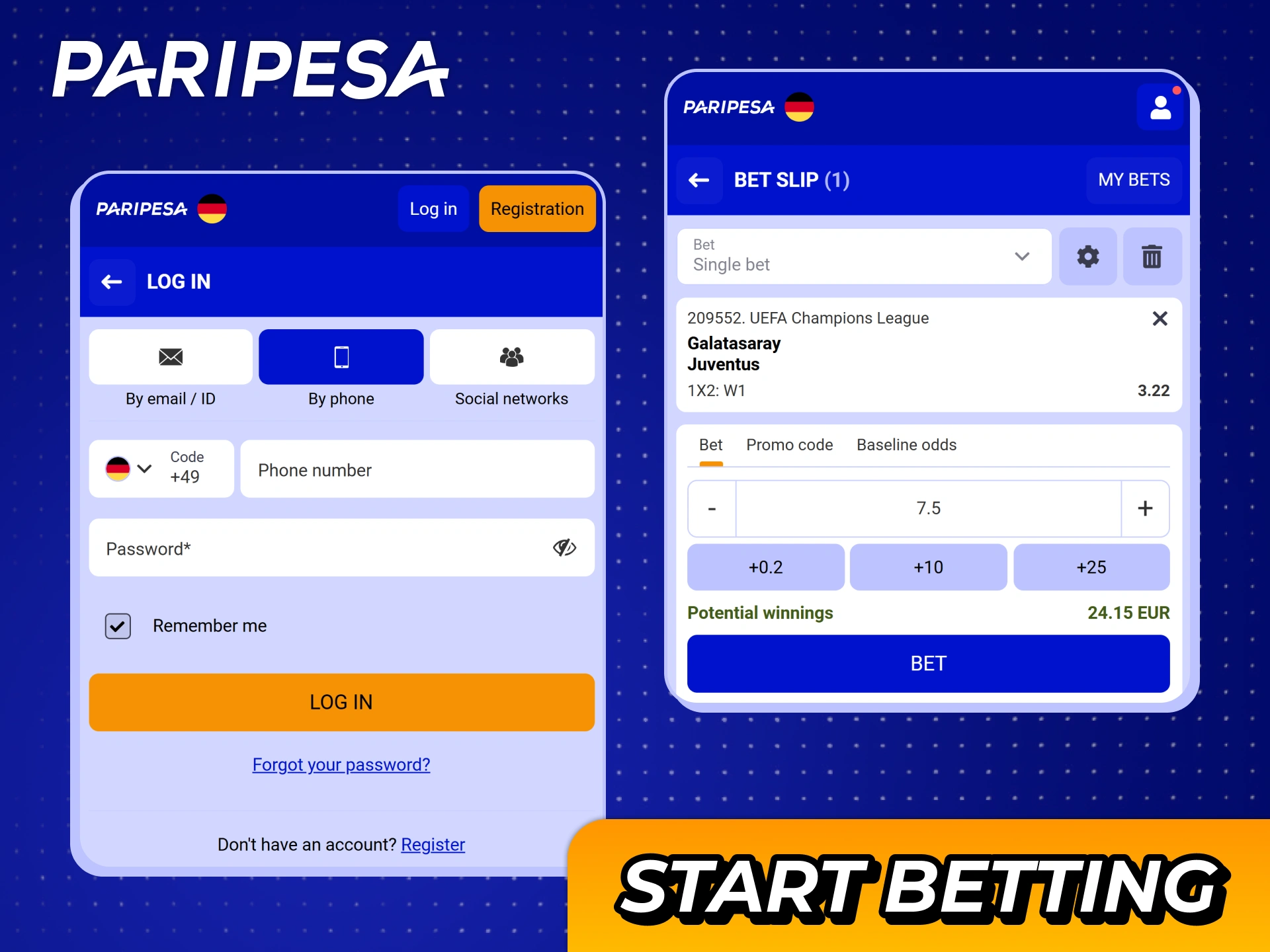
You can place sports bet on Paripesa in just a few steps. The process is designed for quick betting on mobile.
Once you place a few bets, the process becomes very fast for in-play and pre-match markets.
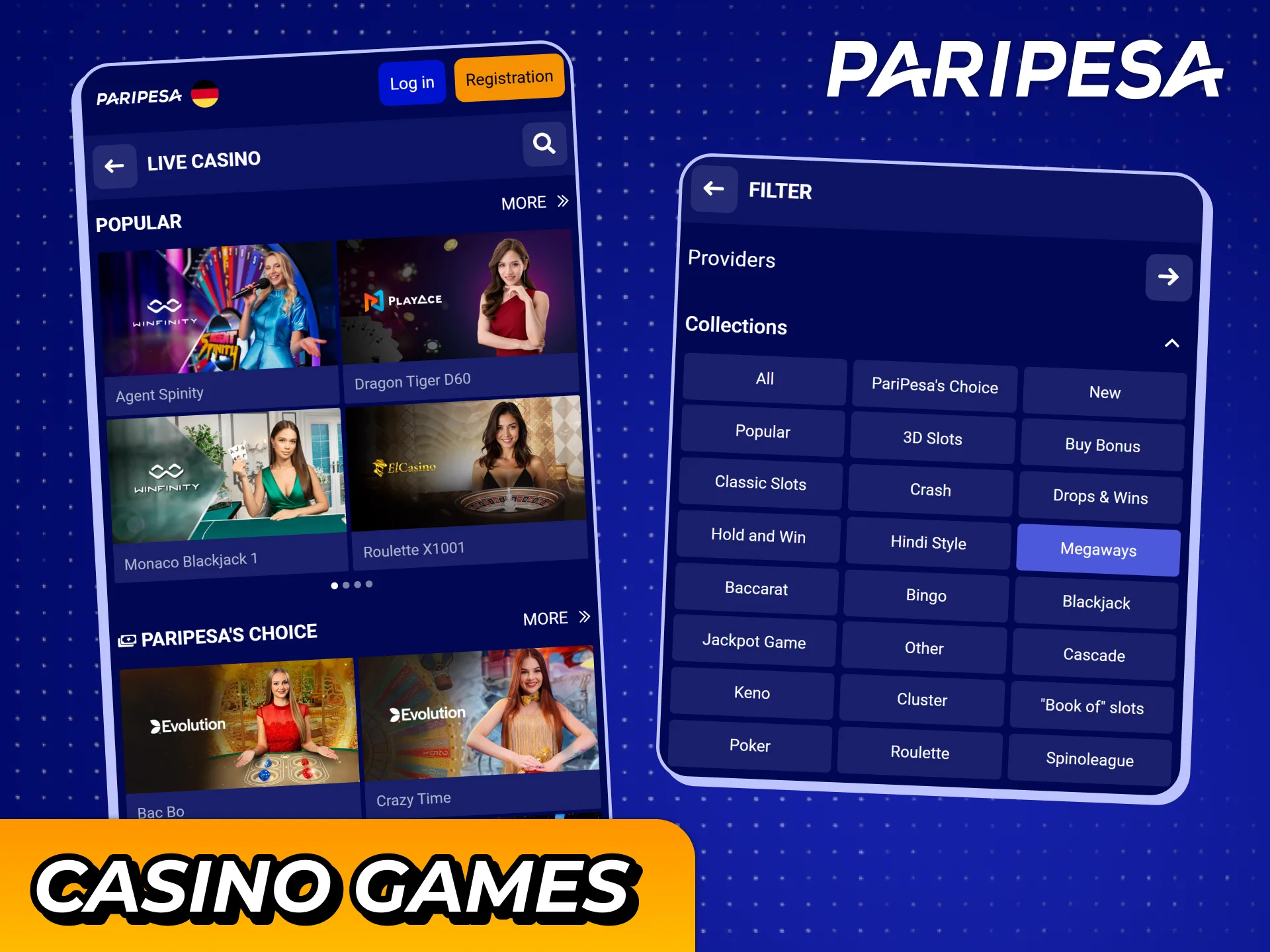
The Paripesa app gives you access to thousands of casino titles from top providers. You can switch from betting to casino in one tap.
Popular casino games include:
You can use filters by provider, type, or features to find the game you want.
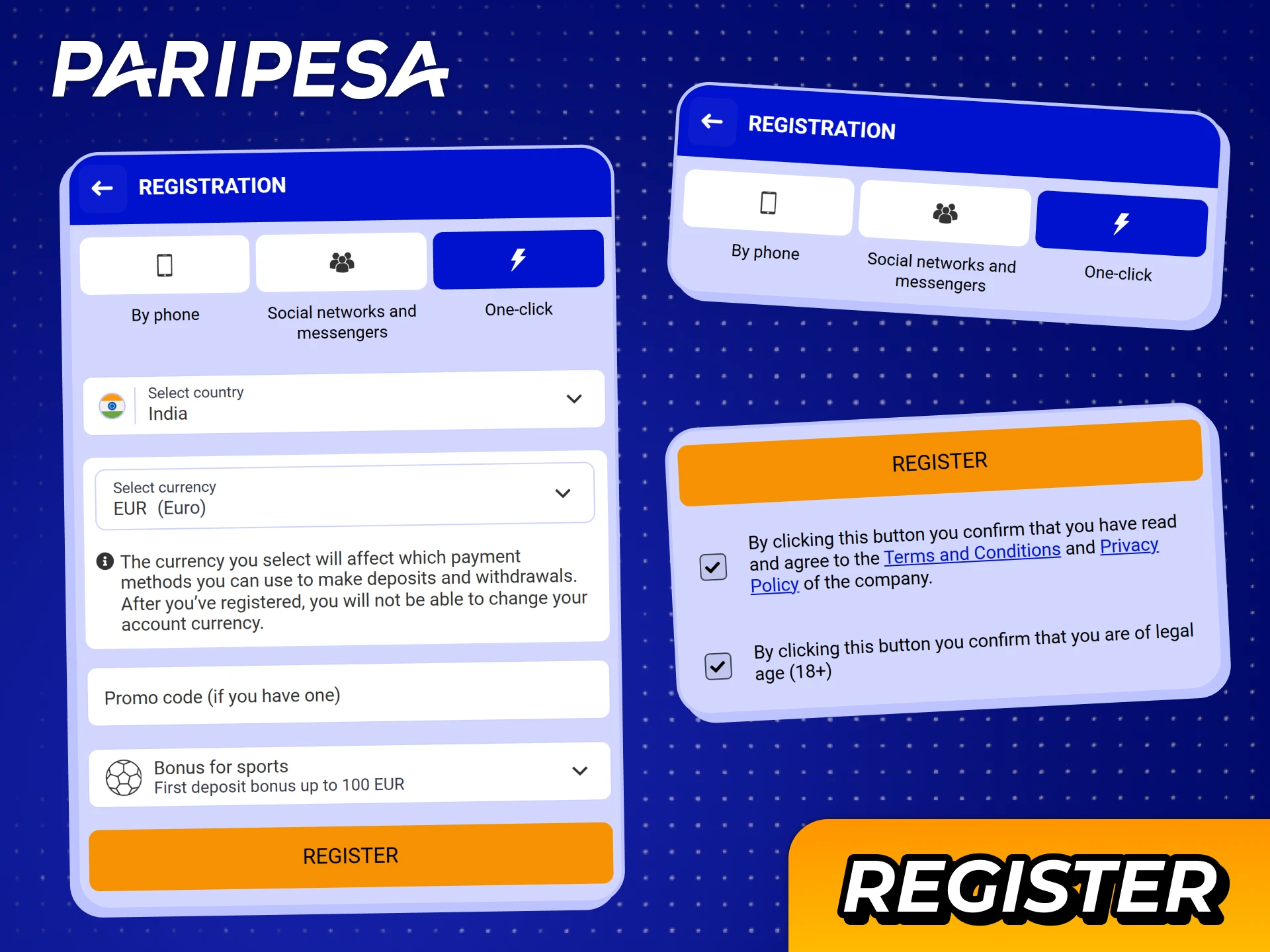
You can create a new account directly from the iOS app page in a few minutes. Paripesa registration is required for deposits, bets, and withdrawals.
After this, you can log in and claim the 100% Welcome Bonus on your first deposit.
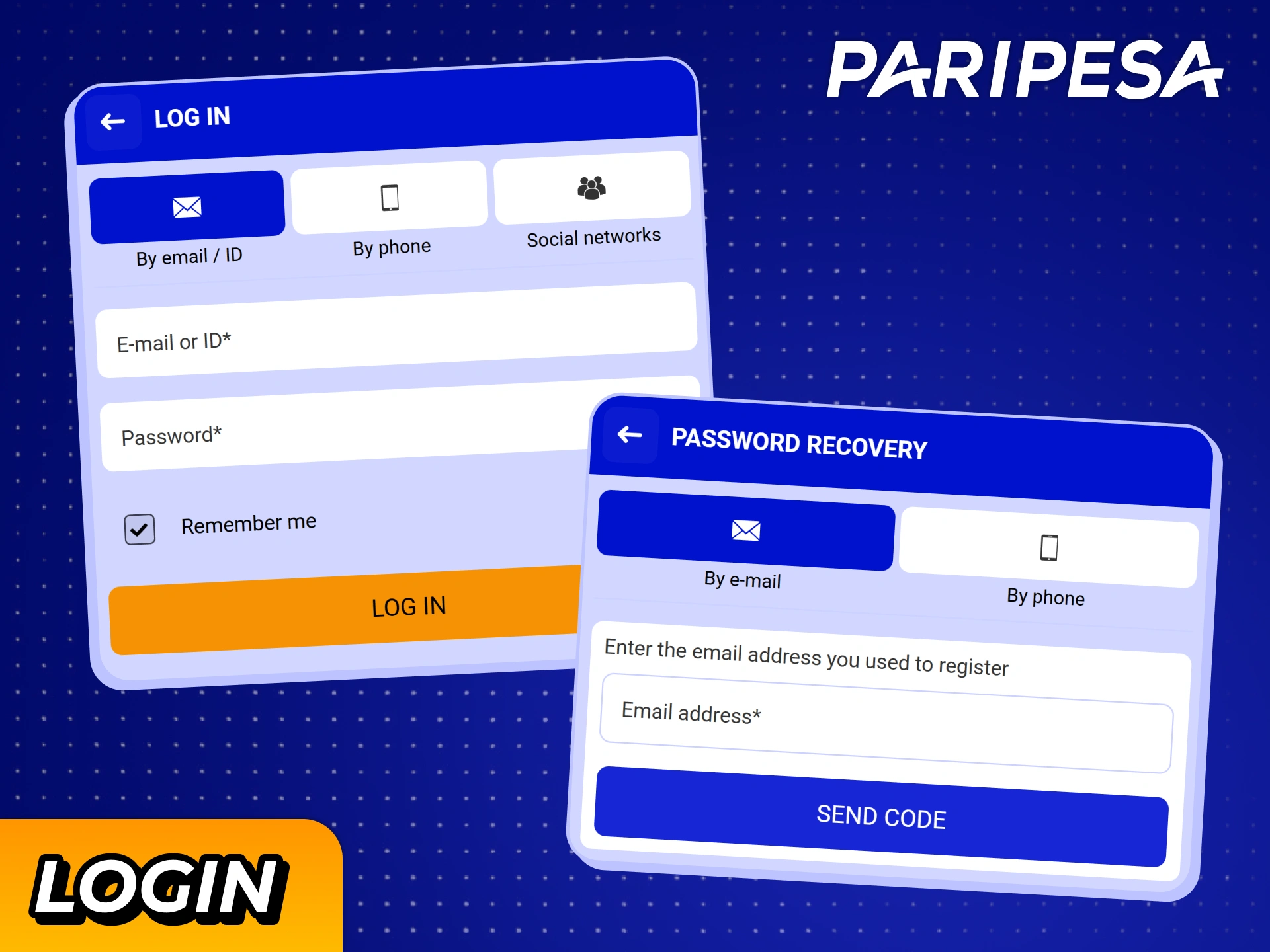
You can sign in to Paripesa account on any supported iOS device in seconds.
After logging in once, you can keep your session active for faster access next time, if your device is private.
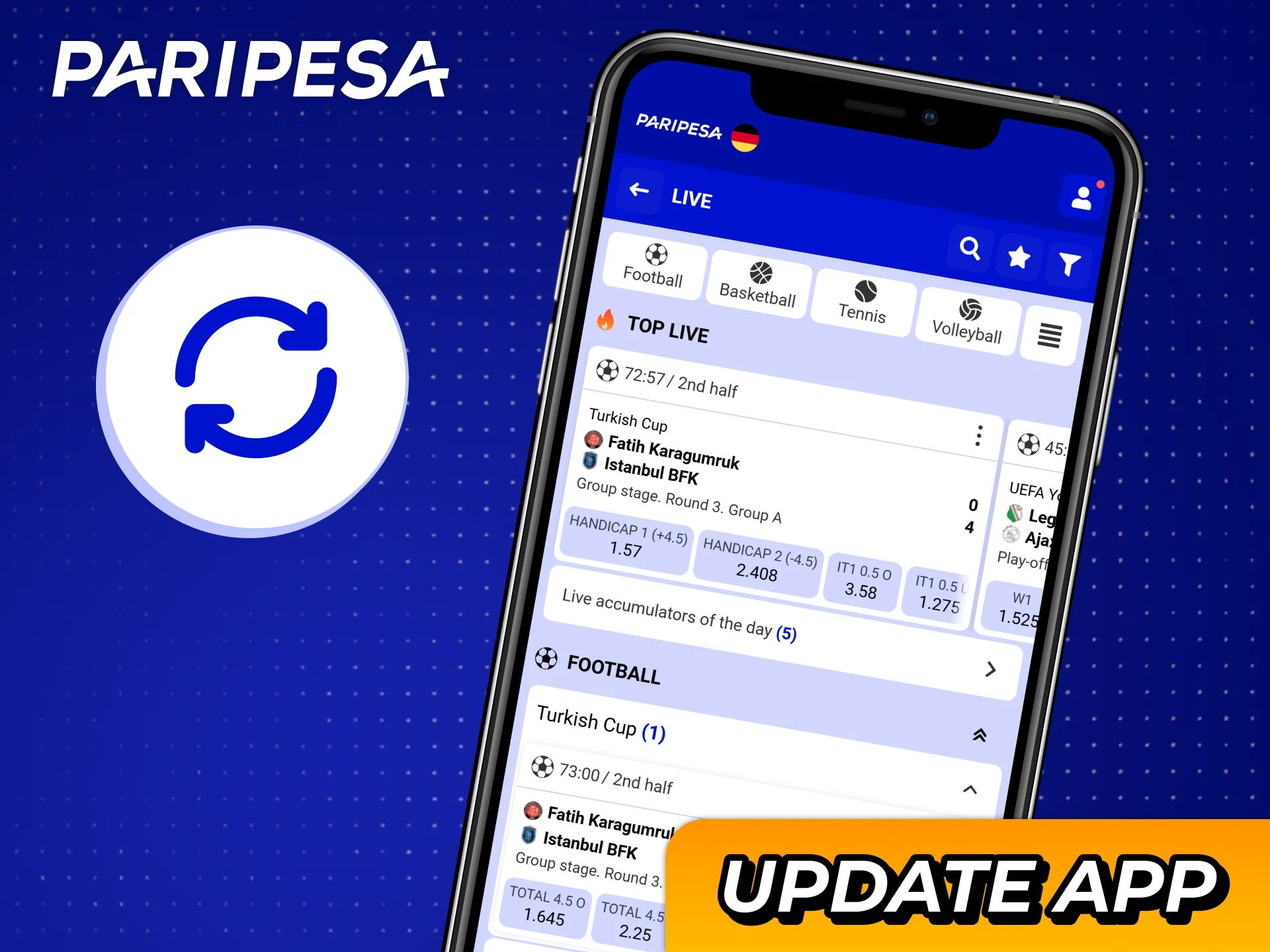
You do not need to install manual updates for the Paripesa iOS app. The app icon loads the mobile site, which always runs the most recent version.
Odds, casino games, features, and promotions update automatically on the server side. Each time you open the Paripesa icon, you use the latest interface without visiting the App Store.
This approach saves storage space on your iOS device and keeps your betting tools up to date at all times.
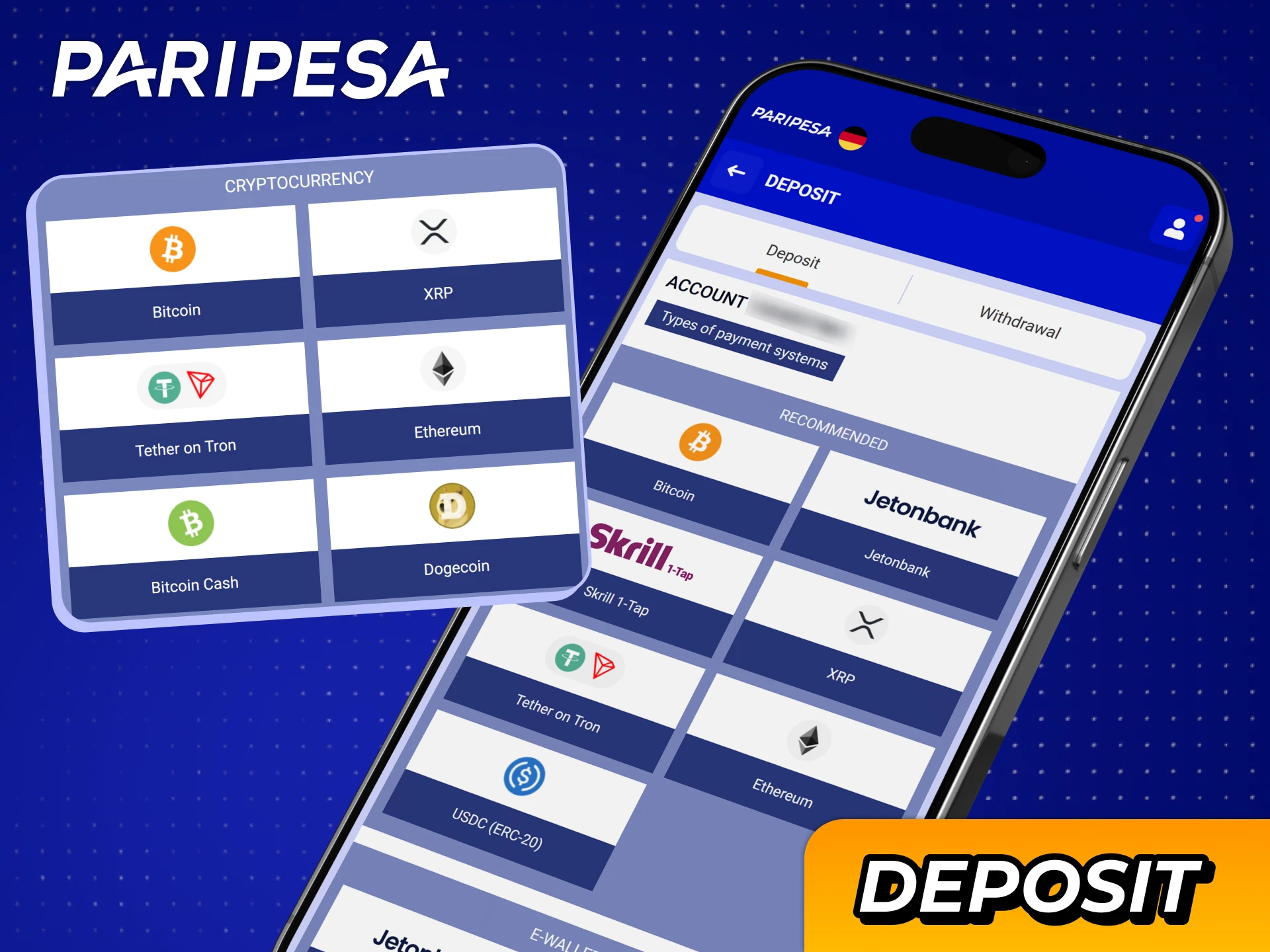
Paripesa deposits and withdrawals for players worldwide. Deposit and withdrawal limits depend on the selected method, with most transactions starting from a small amount.
Popular payment methods include:
You can check the Cashier section in the app for exact limits and processing times for each option.

Deposits Paripesa iOS app are designed to be quick so you can start betting without delay.
Once the payment is approved, your balance updates and you can place bets or play casino games immediately.
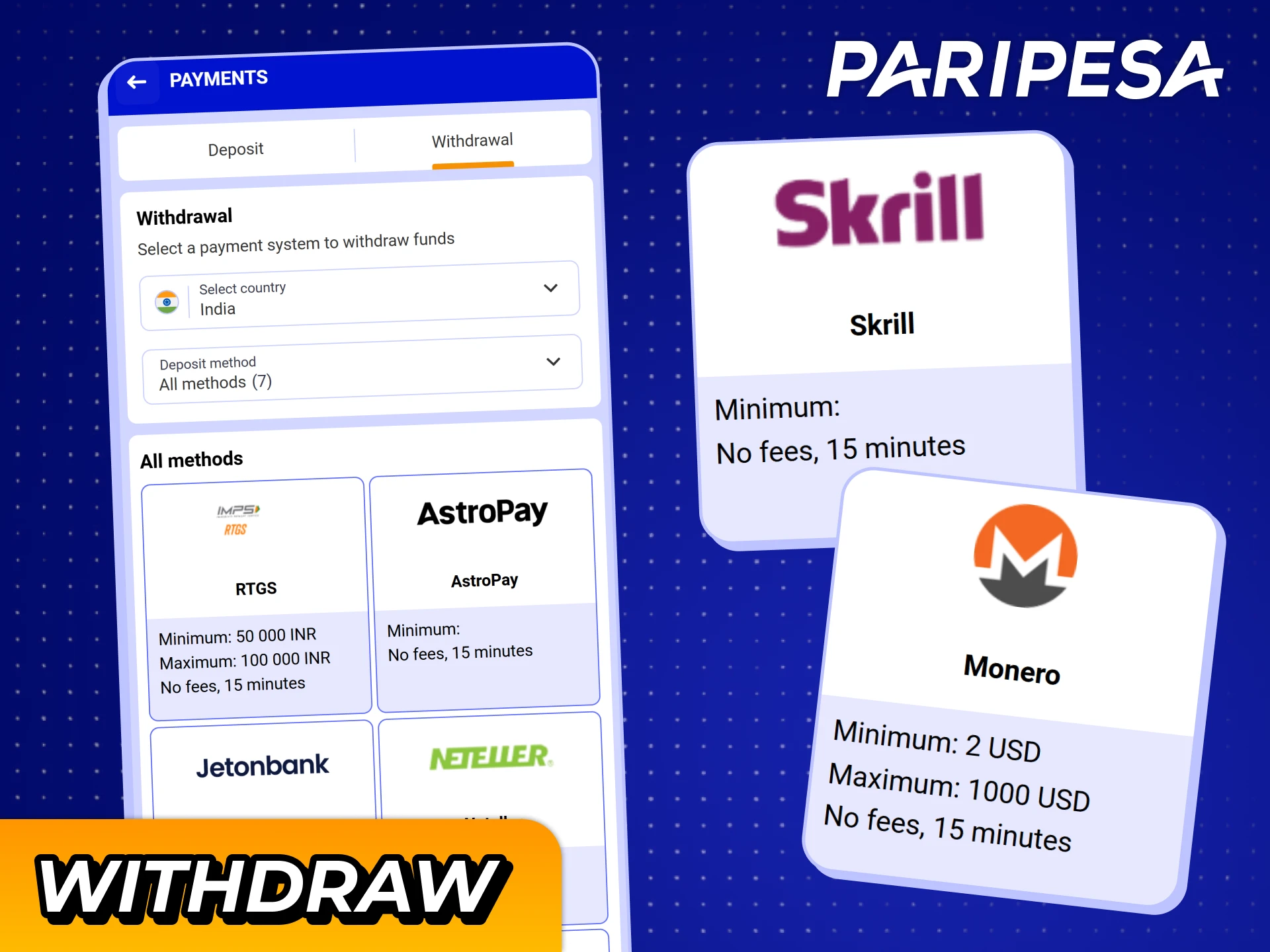
You can cash out your winnings from the Paripesa iOS app using the same device you use for betting. Some methods may require account verification before the first withdrawal.
Once approved, funds are sent to your chosen account, such as UPI, bank, or wallet.
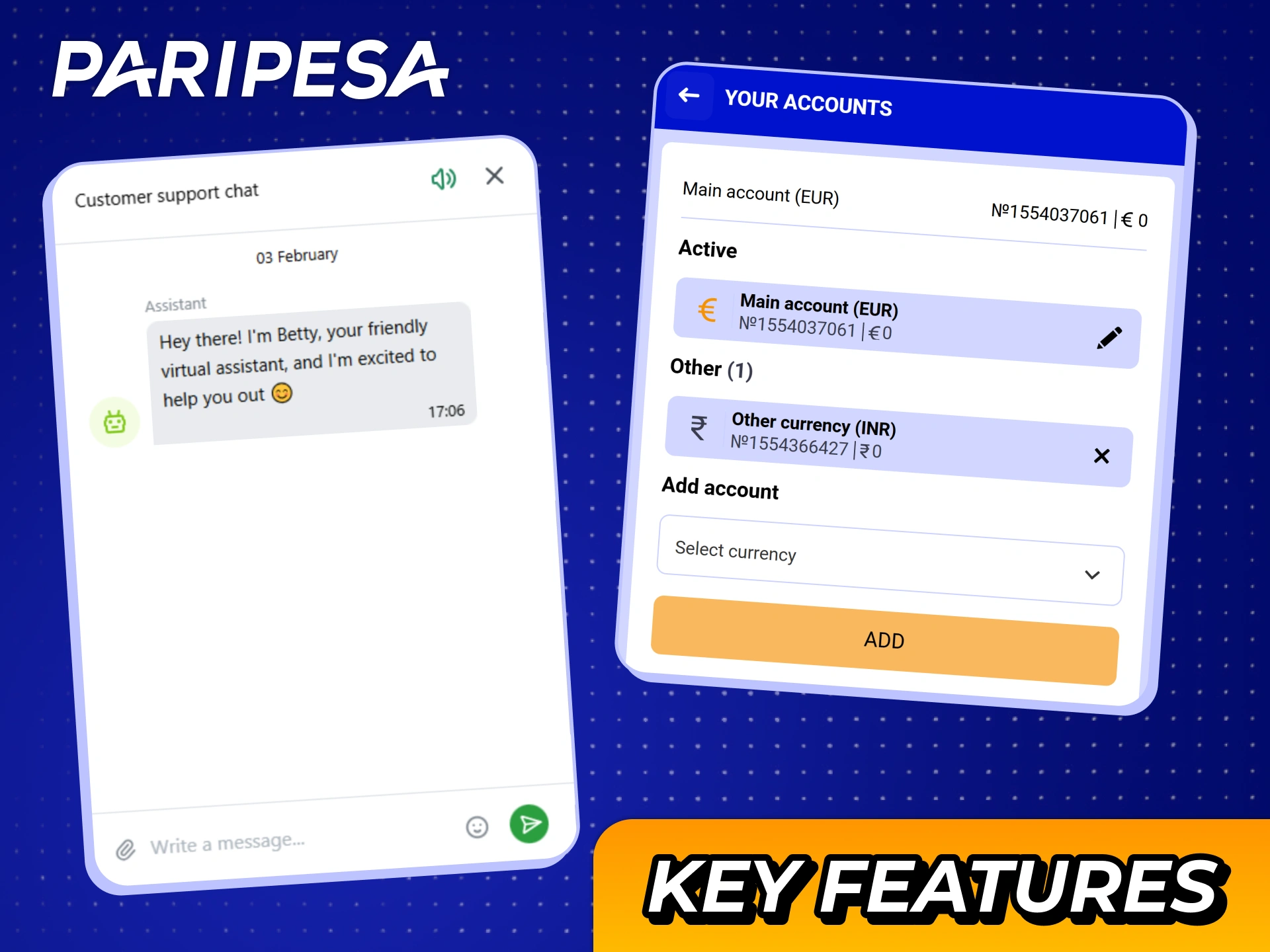
Enjoy fast access, secure payments, and real-money gaming with the Paripesa iOS app. You can bet, play, and manage payments in a single interface.
Key features include:
Enjoy both betting and casino games in one iOS app with Paripesa, making it a top choice for players worldwide.
Enjoy round-the-clock customer support with Paripesa, available for all players globally. You can get help on deposits, withdrawals, bonuses, verification, and technical questions.
Available contact methods include:
| Method | Details |
|---|---|
| Live chat | 24/7 support inside the app or mobile site |
| Support email address available in the Contact section | |
| Help center / FAQ | On-site articles covering common issues and how-to guides |
You can contact support directly from your iPhone or iPad without leaving the Paripesa app interface.
Players can use Paripesa in accordance with its licensing and terms. Online betting regulations differ across countries, so always check local rules and only play where it is legally allowed.
The app icon gives you faster access because you skip typing the address every time. You still use the same mobile site, but you get a full-screen experience, quick reopening, and direct access from your home screen.
Once you log in and have funds in your account, you can place a bet in a few taps. For regular users, choosing a match and confirming a bet often takes less than 30 seconds on a stable internet connection.
No, one Paripesa account covers both sports betting and casino games. Your balance is shared, so you can switch between sections without moving funds manually.
You can adjust some personal limits in the account settings or by contacting support. This can help you control stake size, deposits, or session length, depending on available tools for your account.
Having answers to these questions helps you decide if the Paripesa iOS app suits your playing and betting style.
Updated:
Comments