Paripesa Account Verification

Account verification on Paripesa confirms your personal data so you can use the platform safely and in compliance with applicable regulations. You need to confirm your name, age, country, contact details, and payment data.

In most cases the process is completed in a short time after you upload the required documents. You can register at Paripesa, deposit, and play before full approval, but you cannot withdraw funds until your account is verified. All data sent through the official site and app is protected by encryption and stored under strict security controls.

Verify your account to get full acces to Paripesa account features.

Paripesa Verification Instructions

Account verification is required on Paripesa to use all real‑money features and withdraw your winnings. Here is a simple step‑by‑step guide to complete the process on the official website or app.

Step 1

Open the Registration Page

Click the button below to go to the official site, then sign up or log in to your existing account.
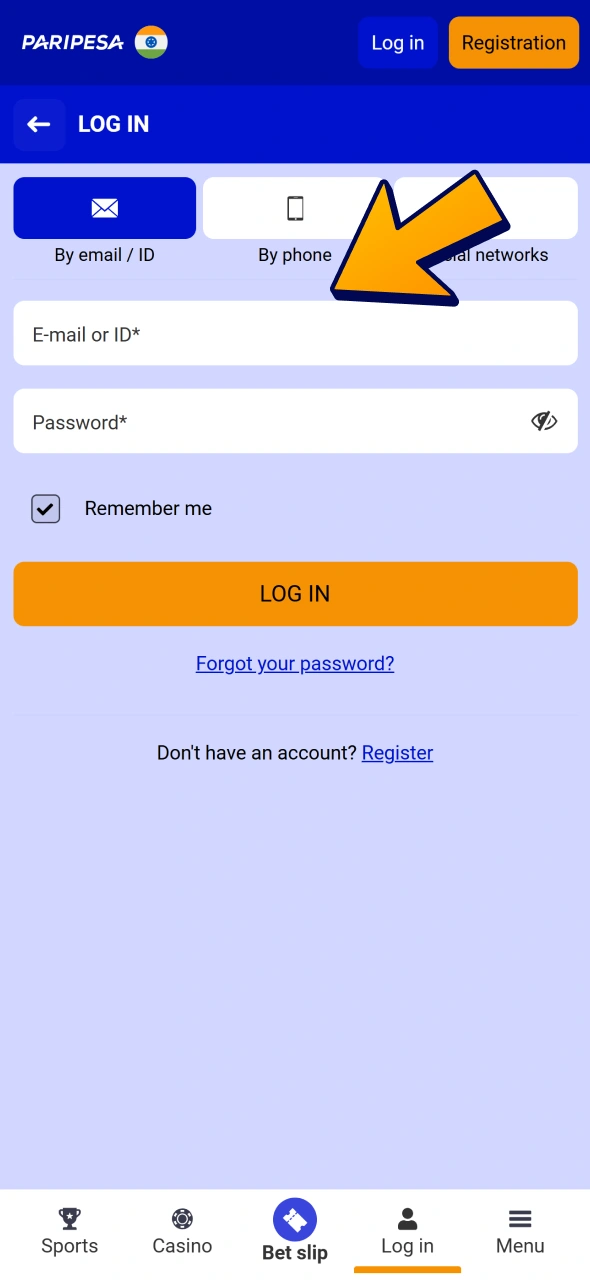
Create an account or login to existing one to verify your Paripesa profile.

Step 2

Go to Your Profile

After login, open "My Account" or your profile icon and choose the verification or KYC section.
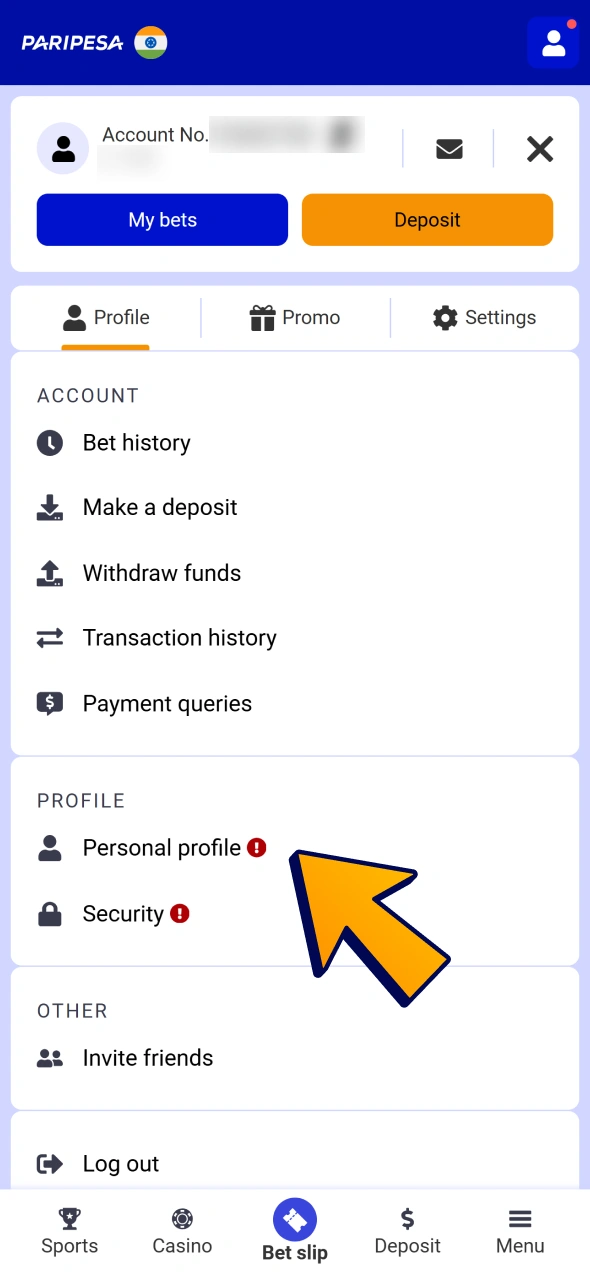
Open your Paripesa profile and click on personal profile menu item.

Step 3

Fill in Personal Details

Enter your full name, date of birth, address, and contact details exactly as they appear on your documents.
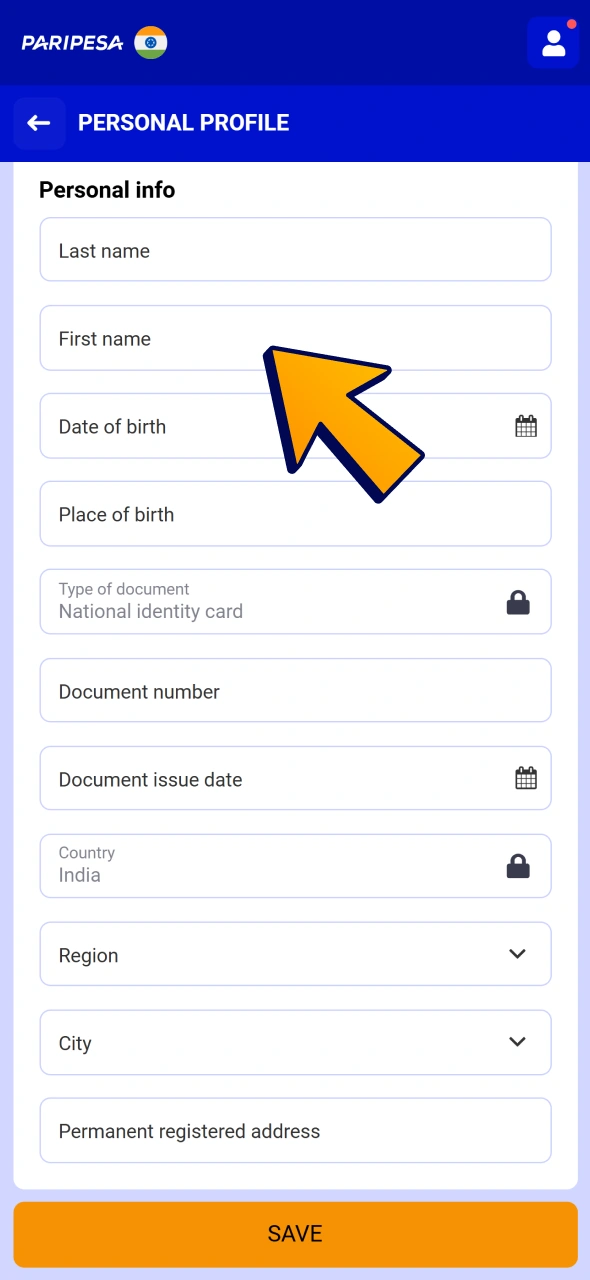
Fill all personal details and save changes to your Paripesa account.

Step 4

Upload Your Documents

Upload clear photos or scans of the requested identity and address documents. Check that all data is readable before you submit.
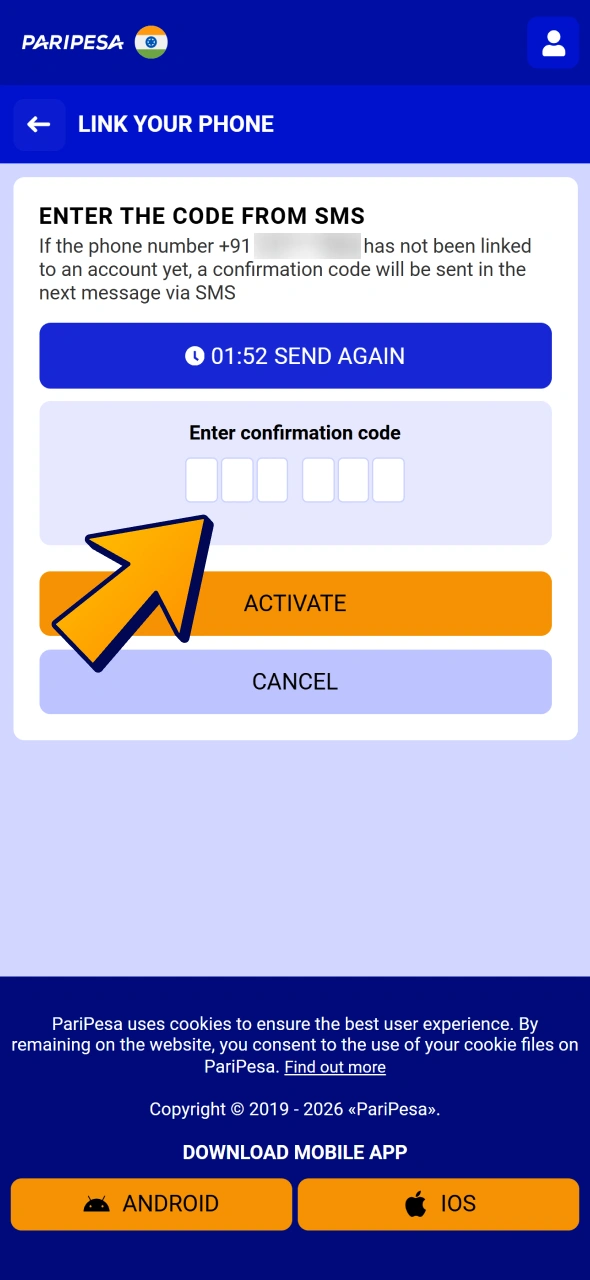
Fill your phone information to verify your Paripesa profile.

Step 5

Wait for Confirmation

Submit the form and wait for the support team to review your data. You will receive a status update by email or inside your account once the verification process is completed.
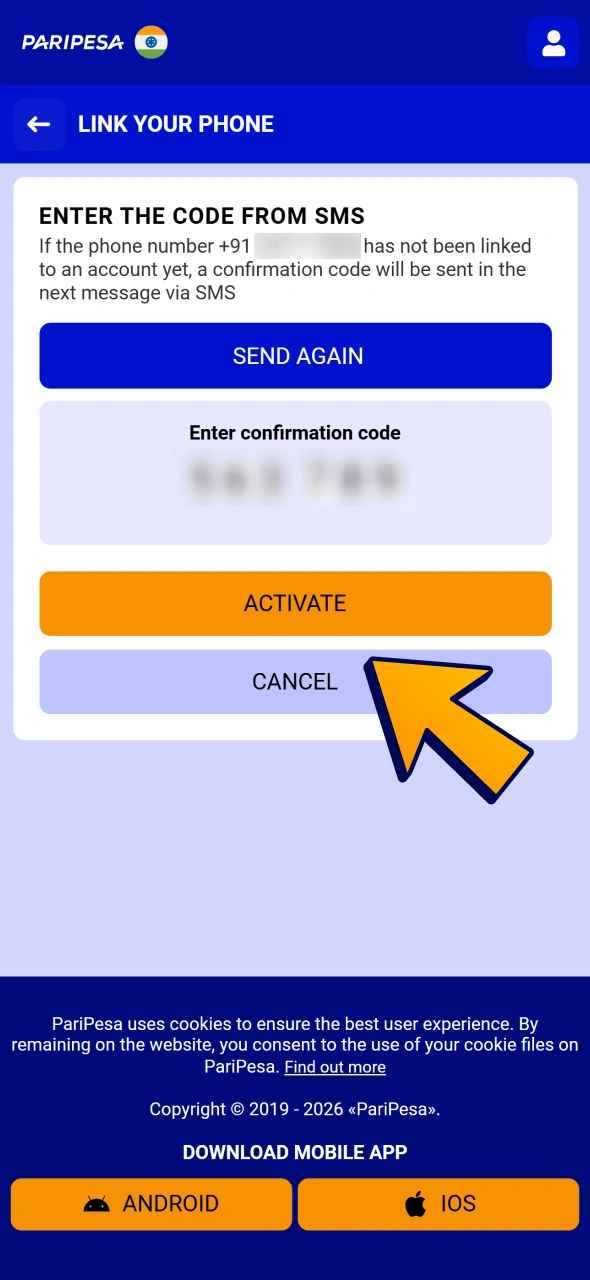
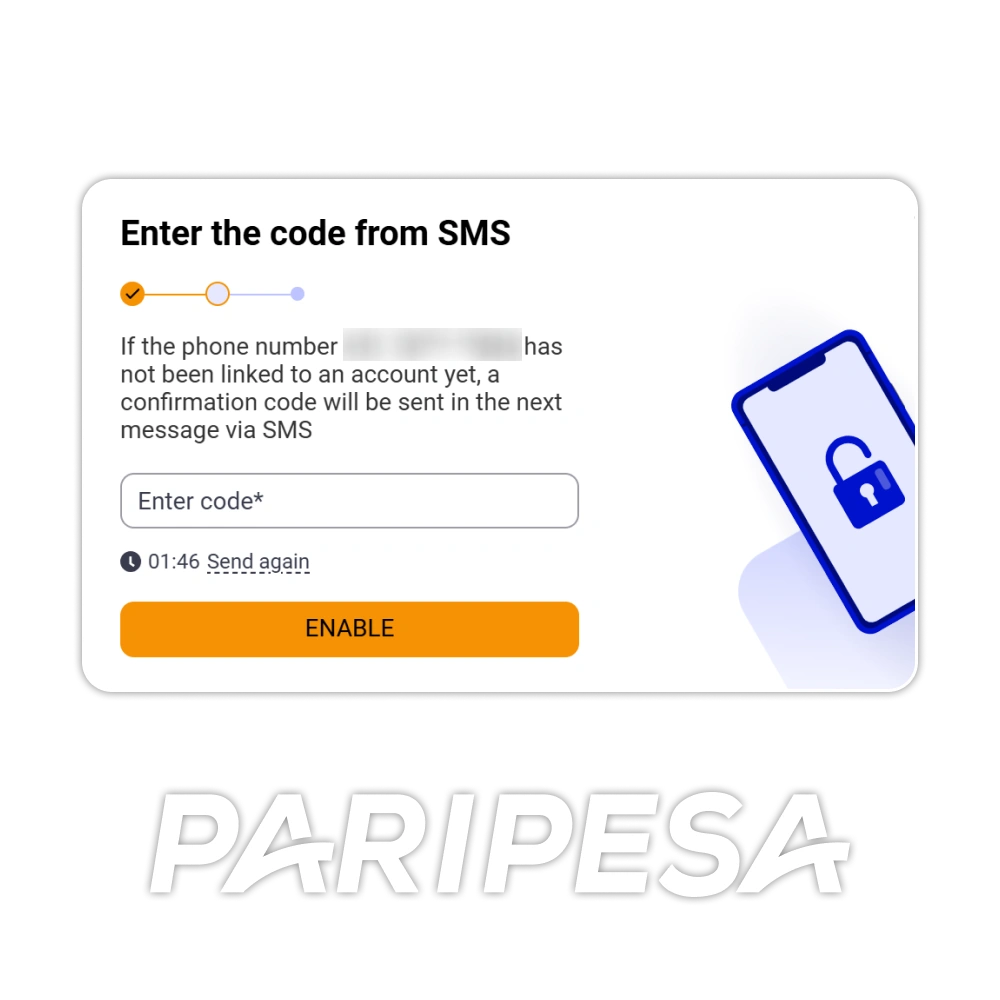
Enter code from sms and click activate button to verify your Paripesa profile.

Requirements for Users for Successful Account Verification

To complete Paripesa verification, you need to meet a few basic conditions and provide accurate data. This helps confirm that your account belongs to you and that you are allowed to use real‑money services.

Basic requirements for successful verification:
  • You must be at least 18 years old at the time of registration;
  • You must provide your real full name and personal details that match your official documents;
  • You must use a valid email address and mobile number that you can access and confirm;
  • You must be located in a region where the platform is available and online betting is permitted;
  • You must use payment methods that are in your own name, not in the name of another person;
  • You must submit clear, unedited copies of requested documents so the support team can read all data and confirm your identity.
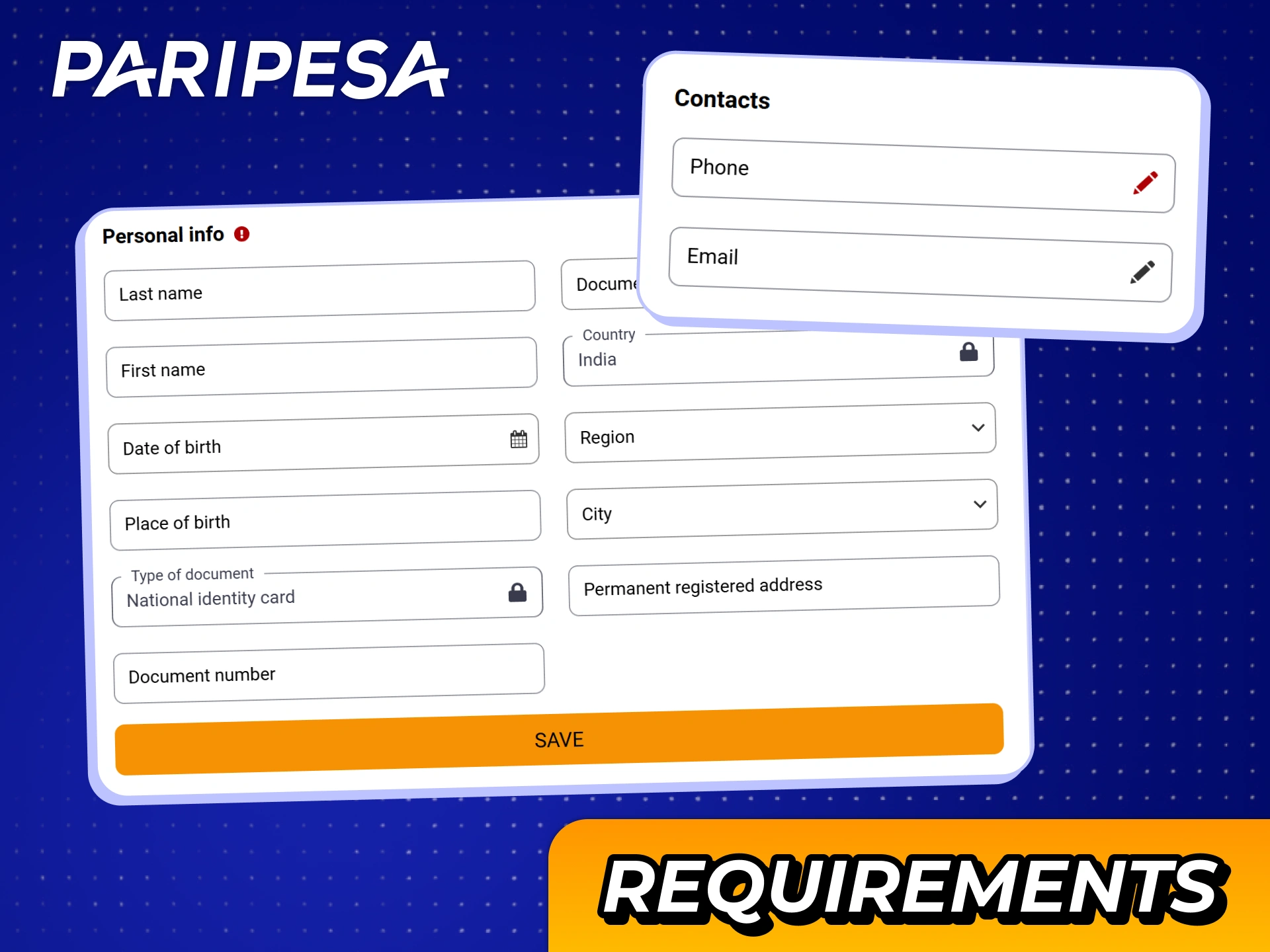
Fill all personal information at your Paripesa profile to meet verification requirements.

Documents Required for Paripesa Account Verification

To complete Paripesa account verification, you will need to upload certain documents through the official site or mobile app. These documents confirm your identity, age, address, and payment details.

The support team may ask for the following documents:

  1. Proof of identity. A government‑issued ID such as a passport, Aadhaar card, PAN card, or driving licence. It should show your full name, photo, date of birth, issue date, and expiry date where available.
  2. Proof of address. A recent document that shows your name and residential address, such as an electricity bill, gas bill, bank statement, or official government letter. It should show the issue date and be recent as per the site rules.
  3. PAN card. Your Permanent Account Number card may be requested to confirm your tax identification and personal details such as full name and date of birth.
  4. Payment method confirmation. For cards, a masked copy of the front side of the card that shows your name and part of the card number. For e‑wallets or UPI, a screenshot that shows your full name and account or UPI ID.
  5. Selfie or live verification. In some cases you may be asked to provide a selfie holding your ID or to complete a short live video check. This helps confirm that the account belongs to you and that your document is valid.

Importance of Verifying a Personal Account Paripesa

Paripesa account verification protects your balance, your personal data, and your access to real‑money games and sports betting. Completing the process helps you enjoy the platform without later interruptions.

Reasons to complete verification:
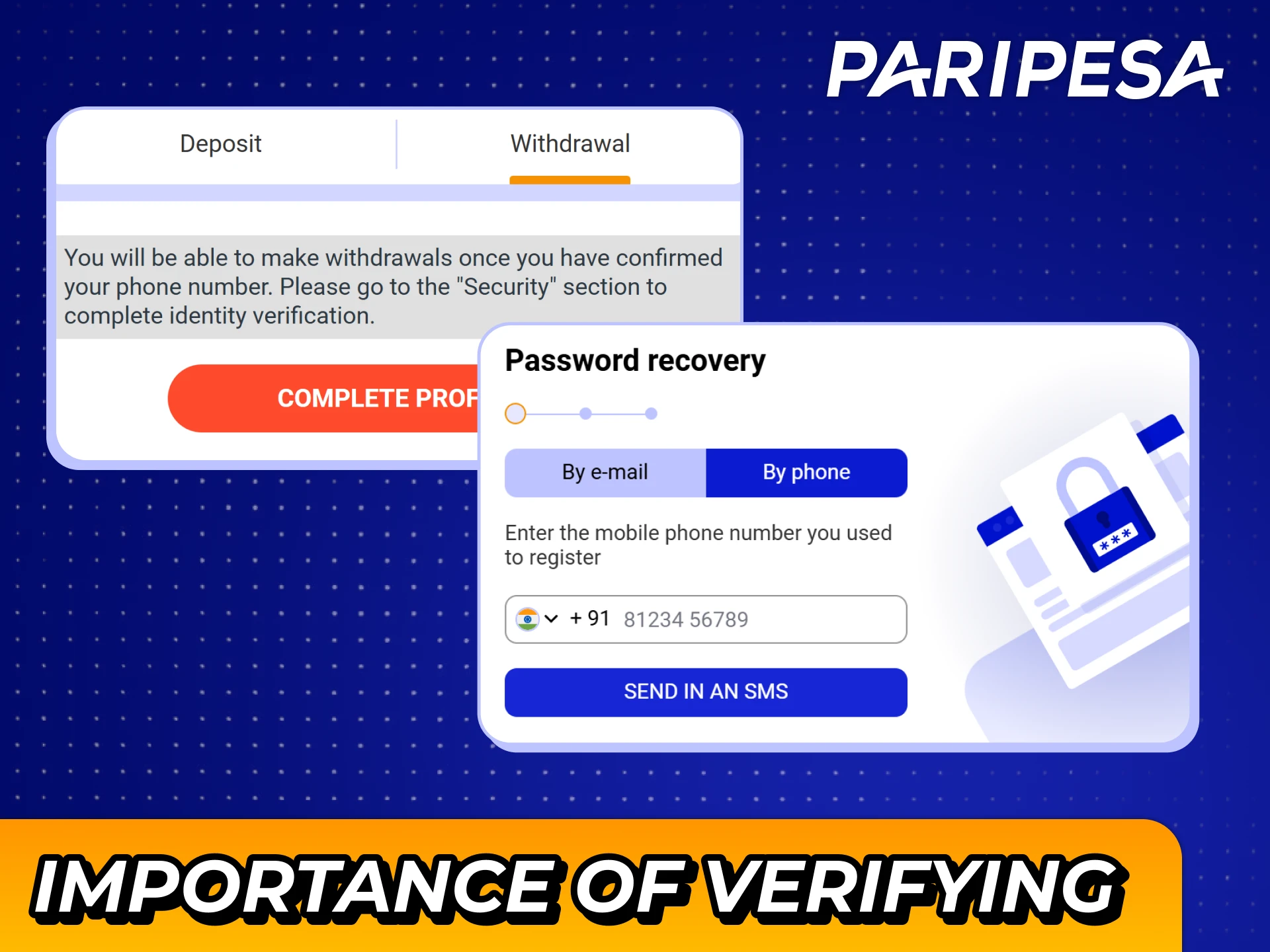
  • Access to withdrawals. You can request withdrawals only after identity checks are completed, so verification is required if you want to cash out your winnings;
  • Security for your funds. Verification helps prevent other people from creating fake profiles in your name or using your payment details on the site;
  • Compliance with legal rules. KYC checks help the platform follow responsible gaming and anti‑fraud rules that apply to real‑money betting;
  • Fewer future checks. Once your profile is confirmed, most future deposits and payouts can be processed faster and with fewer extra document requests;
  • Account recovery support. If you ever lose access to your email or phone, verified data and documents make it easier to restore your account safely.
Verify your Paripesa account to keep it safe and sound.

FAQ

How long does Paripesa verification usually take?

In most cases the review is completed in a short time after you upload all requested documents. If more checks are needed, the process can take longer and you will be informed by email or in your account.

Can you bet and play before your account is fully verified?

You can register, deposit, and place bets before full approval in many cases, but you will need to complete Paripesa verification before you can request withdrawals.

Why was your document rejected during the process?

Common reasons include blurry photos, cropped images, expired documents, or data that does not match your profile. Upload a clear, full copy and make sure your account details match the document.

Is it safe to send personal documents to the site?

Yes. The official website and mobile app use encryption and strict data protection standards so your documents and personal information stay secure.

Can you change your details after verification is completed?

Some basic details such as phone or email can be updated in your profile. For name, date of birth, or other key data, you may need to contact support and provide extra documents before any change can be approved.

Comments

The value is incorrect

The value is incorrect

The value is incorrect

Something went wrong. Please, try again later

Your comment has been sent!

Updated: